 Hotwire
Add mods live
Pick a jar or drop it onto the screen and it starts up. If you already have it in Prism, the Modrinth App, CurseForge or ATLauncher, it's copied instead of downloaded again.
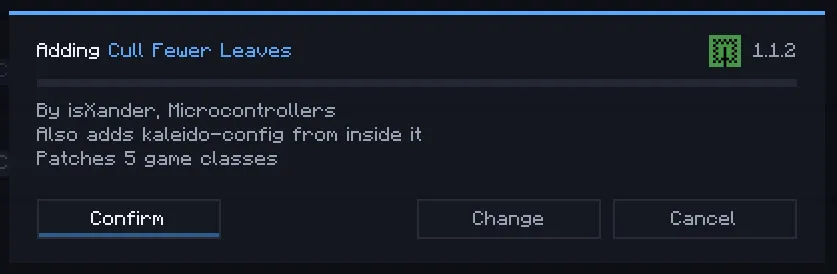
Hotwire turns mods off and on, adds new ones, updates them and browses Modrinth in game, all while Minecraft keeps running. Most mods turn off in about a second and come back on instantly.
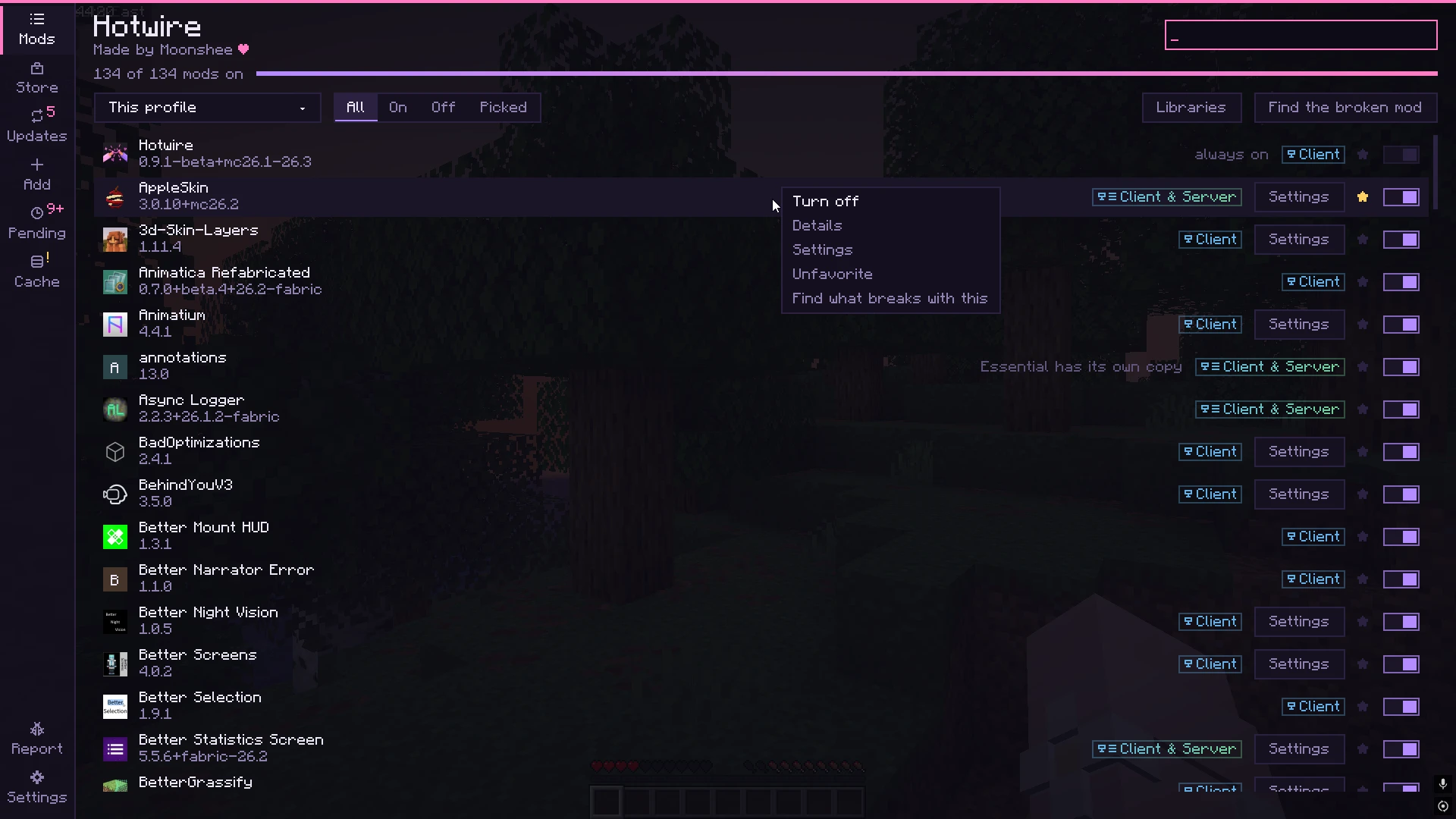
A working copy of the real screen. In game you open it with H.
Pick up to five mods at once and switch them while you play. Whatever they depend on, or whatever depends on them, comes along.
Pick a jar or drop it onto the screen and it starts up. If you already have it in Prism, the Modrinth App, CurseForge or ATLauncher, it's copied instead of downloaded again.
Turning a mod off or on takes the mods it needs and the mods that need it with it. Nothing is left half switched.
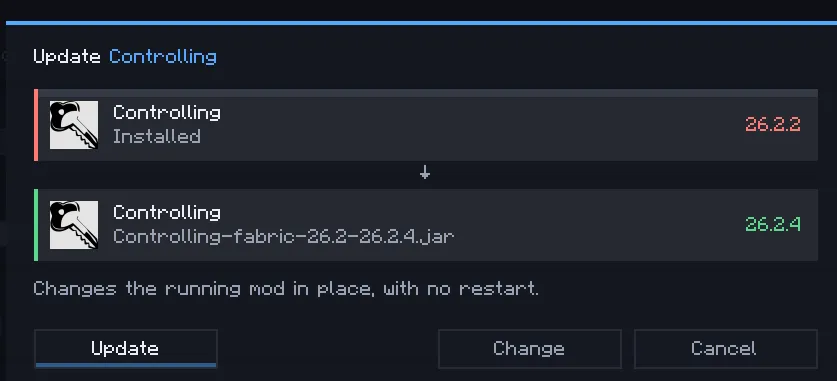
The Updates panel lists every mod with a newer version and swaps it in while you play. If it can't be done live, it waits for your next restart.
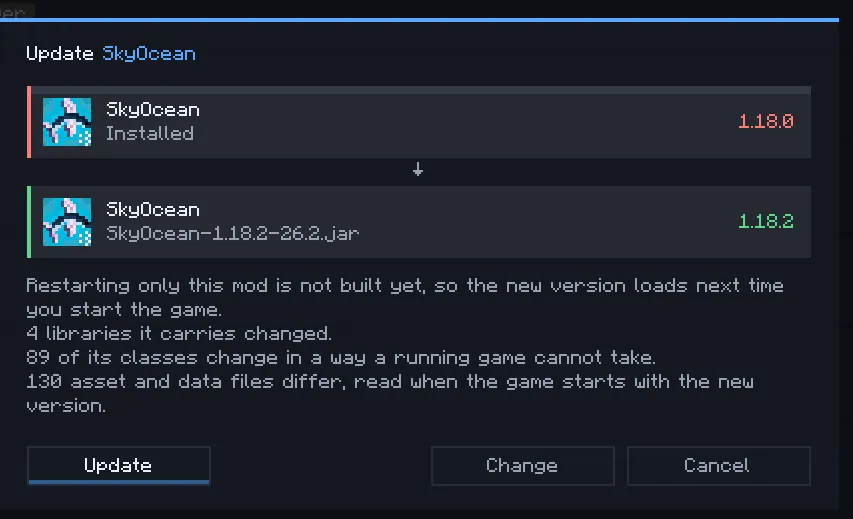
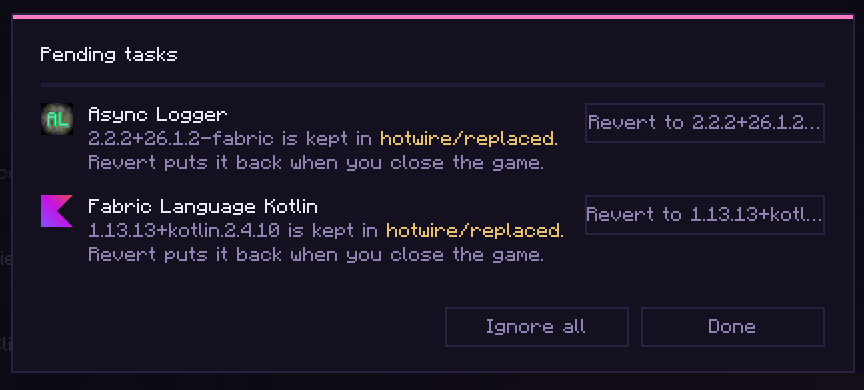
Anything that has to wait shows up under Pending tasks, and you can undo all of it. Switches that need your world reopened always ask first.
If a mod can't be switched cleanly, Hotwire tells you why and changes nothing. Switches that touch your world save it first, the same as Save and Quit.
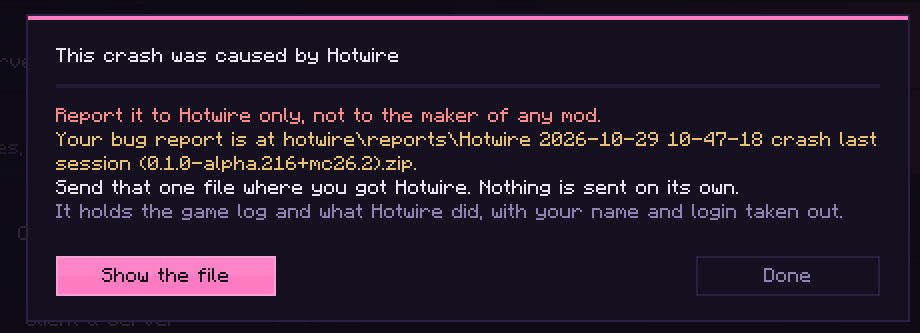
A crash or a failed switch writes one zip with everything needed to fix it, with your name and login taken out, and opens the folder for you. If Hotwire touched the mod, it takes the blame, so the mod's maker isn't bothered.
Run your mod from your IDE. Hotwire has a developer mode that puts each build into the running game, so you never relaunch to test a change.
Java can already replace classes while a program runs. Hotwire does it to a whole mod at once, and handles the thousands of cases where that goes wrong.
Hotwire attaches to the game as it launches, which is what lets it change classes after Minecraft is already running.
It rebuilds the game's classes with or without the mod's changes and swaps them in. Your mod jars are never edited.
A tripwire in every method of a mod that's off catches code that still tries to run, and names the mod in a report.
Every one was turned off, on and added in a real world, on four Minecraft versions. Search for yours, or drop your whole mods folder on the compatibility page.
Something else? Ask in the Discord. If a mod acts weird after Hotwire touched it, tell us, not the mod's maker.
Switches that touch your world save it and open it again first, the same as Save and Quit. You're always asked before that happens.
Yes. More than 230 mods have been tested by hand so far, and the community tests it too, with rewards for finding bugs. The full results are on the compatibility page.
Adding a mod does a dry run first, so most crashes and conflicts show up before you confirm. If a mod still crashes later, Hotwire turns it off for that session.
Hotwire can tell when a mod that's off still runs, and it names the mod. Send that report to us so it can be fixed.
When a mod crashes, Hotwire catches it. If Hotwire touched that mod, the popup tells the player to send the report to Hotwire, not to the mod's maker.
It only downloads from Modrinth, the same files you'd get from the website.
Yes, it helped. There are thousands of cases this code handles, and fixing one can break a hundred others, all to save a ten second restart. The idea was always technically possible. Nobody did it because it's insane.
Because it sounds way cooler :3